Choosing a projector is only half the battle; keeping it running beautifully for years to come is where the real value lies. Whether you're eyeing a compact pocket projector for weekend camping trips or a premium 4K home theatre setup, understanding maintenance schedules and cleaning methods will save you money and frustration down the line. This guide walks through what you need to know to protect your investment, regardless of whether you're shopping on a shoestring or splashing out on a top-tier model.
At a glance
- Regular maintenance and cleaning are essential to extend the lifespan and performance of any projector, regardless of its cost or resolution.
- Maintenance frequency depends on the projector technology: DLP units are more dust-resistant, while LCD models require more frequent filter cleaning to prevent image artifacts.
- Projectors used in demanding environments, such as outdoor settings or classrooms, require stricter cleaning schedules than those in controlled home theatre rooms.
- Maintaining a simple log of filter cleanings and lamp hours helps track maintenance needs and ensures consistent image brightness over time.
- Budget-friendly projectors often feature simpler filtration systems that necessitate more frequent manual cleaning compared to premium models with sealed optical paths.
- Proper lens care involves using a microfibre cloth with gentle circular motions, strictly avoiding household chemicals that can damage optical coatings.
- Consistent cleaning of vents and filters is critical to prevent overheating, which can lead to premature hardware failure and degraded image quality.
Essential Maintenance Schedules Based on Projector Technology and Usage Patterns
Not all projectors age the same way. The underlying technology, whether DLP, LCD, or LED-based, dictates how often you should be rolling up your sleeves for upkeep. Brands like Epson have built reputations on reliable engineering, but even the sturdiest projector needs regular attention to keep dust and grime from degrading performance over time.
Recommended Cleaning Intervals for DLP, LCD, and LED Projector Systems
DLP projectors tend to be fairly forgiving, as their sealed optical engines resist dust intrusion better than most. Even so, a filter check every couple of months is wise, particularly if you're running the unit in a dusty room or near an open window. LCD projectors, by contrast, are a touch more delicate. Their panels can accumulate particles that show up as dark spots on your image, so monthly filter cleaning is a sensible habit. LED-based mini and pocket projectors, given their compact fans and smaller vents, benefit from a light wipe-down every few weeks, especially if used outdoors. Outdoor projectors used for garden movie nights face the toughest conditions, so owners should factor in more frequent cleaning regardless of the underlying tech.
Establishing Preventative Maintenance Routines for Home Cinema and Professional Applications
For dedicated home theatre rooms, a quarterly deep clean covering the lens, vents, and internal filters keeps brightness levels consistent. Gaming projectors that run for extended sessions generate more heat, which means their cooling systems deserve extra scrutiny to avoid premature wear. Professional or classroom setups, which often run for hours daily, should follow a stricter monthly schedule. Keeping a simple maintenance log, even something jotted in a notebook, helps track when filters were last cleaned and when lamps might need replacing, extending the life of your setup considerably.
Budget-conscious projector selection: balancing initial investment with long-term care requirements
Price shouldn't be the only factor when choosing a projector, but it certainly influences how much maintenance you'll be signing up for. Cheaper models sometimes cut corners on filtration systems, meaning more frequent cleaning is required to maintain image quality, while pricier units often include smarter dust management as standard.
Cost-Effective Models from Darty, Fnac, and Boulanger with Low Maintenance Demands
Retailers such as Darty, Fnac, and Boulanger stock a solid range of budget-friendly projectors priced between roughly £400 and £800, ideal for casual viewers who want reliable Full HD performance without breaking the bank. Models in this price range typically offer between 500 and 2,000 lumens of brightness, which suits darker rooms rather than sunlit lounges. The NexiGo PJ40 Pro and similar entry-level units are popular choices here, offering respectable image quality with straightforward filter access that makes DIY cleaning painless. Portable options costing between £500 and £1,500 add flexibility for those who want a mini or pocket projector they can carry between rooms or take outdoors, though their smaller cooling systems mean slightly more frequent attention is needed.
Premium options including xgimi and mogo: evaluating total ownership costs
Stepping up to premium territory, brands like XGIMI and Mogo dominate the conversation with 4K models ranging from £2,000 to £6,000. The XGIMI HORIZON 20 and its Max variant, alongside the Hisense C2 Ultra and JMGO N3 Ultimate, deliver brightness levels exceeding 3,500 lumens along with built-in apps, voice control, and short-throw capabilities that reduce the need for precise placement. While the upfront cost is steeper, these units often include self-cleaning fans and sealed optical paths that genuinely reduce long-term maintenance burdens. Other standout names worth considering include the Valerion VisionMaster Max, Anker Nebula X1, LG CineBeam Q, and Samsung The Freestyle, each offering a different balance of portability, brightness, and smart features. When comparing total ownership costs, factor in not just the sticker price but how much time and money you'll spend keeping the unit in top condition over several years.
Proper Cleaning Methods to Preserve Brightness, Contrast, and Image Quality Across All Resolutions
Regardless of whether you're running a Full HD budget model or a flagship 4K unit, the fundamentals of cleaning remain remarkably consistent. Getting this right protects your screen size ambitions, ensuring your picture fills that ideal 30 to 50 percent of your field of view without washed-out colours or dim patches.
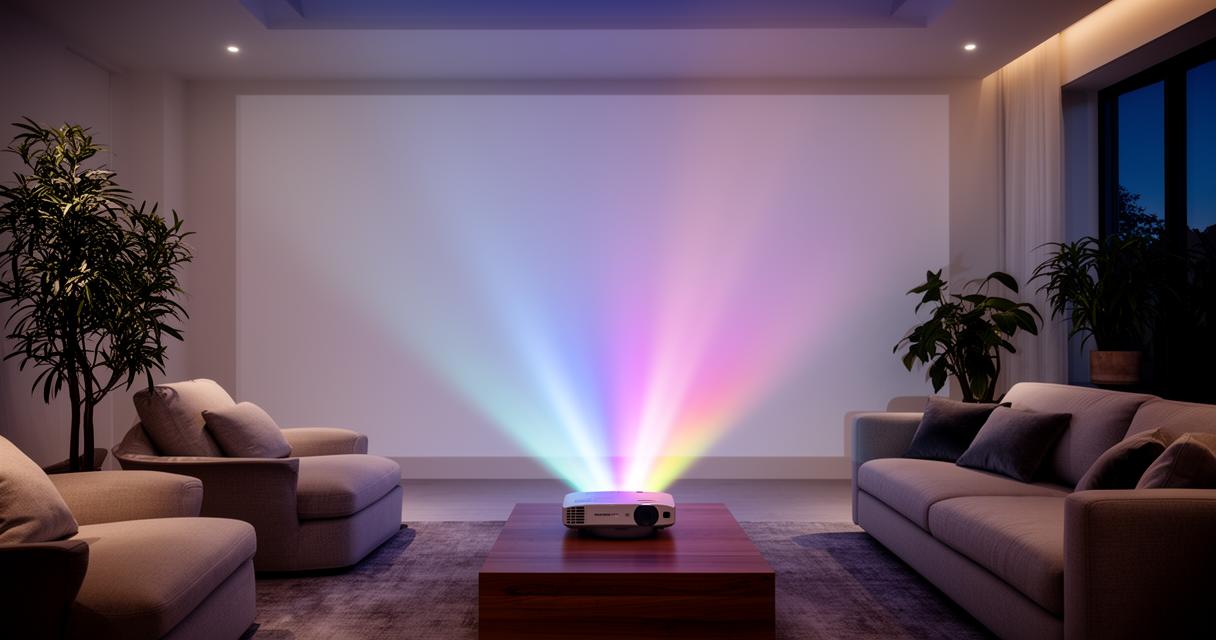
Step-by-Step Lens and Filter Cleaning Techniques for Optimal Lumens Output
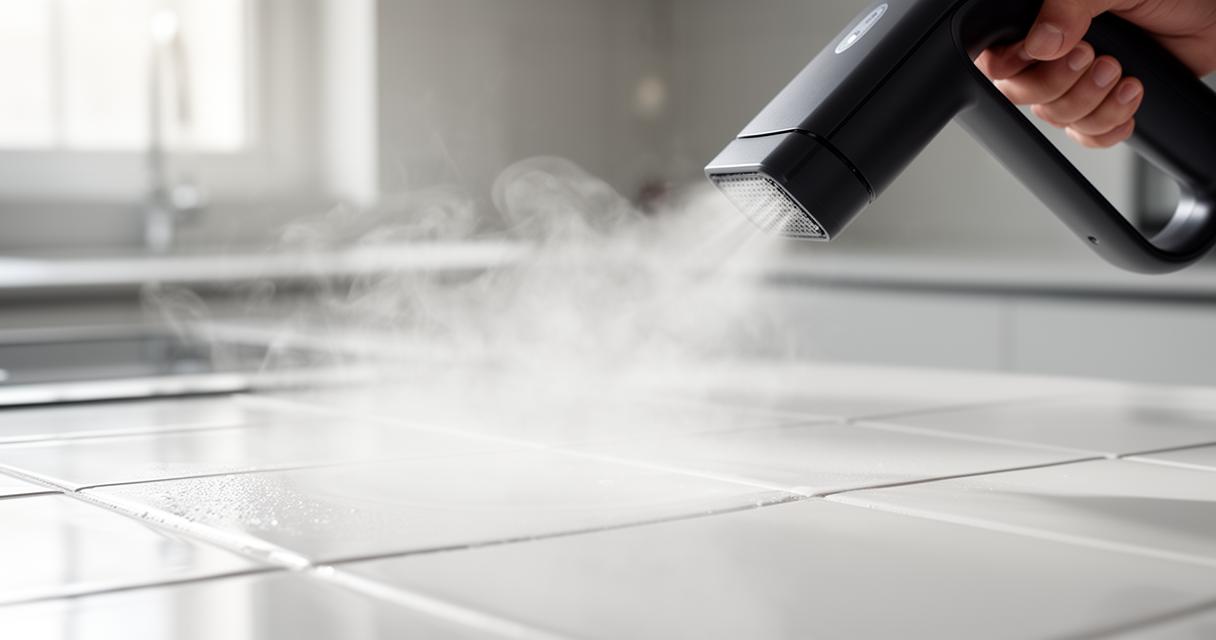
Start by powering down the projector and letting it cool completely before touching any component. Use a microfibre cloth and a gentle circular motion to clean the lens, avoiding household glass cleaners that can damage coatings. For filters, a soft brush or low-pressure compressed air works wonders at dislodging dust without pushing it deeper into the mechanism. Doing this regularly keeps your lumens output as close to the manufacturer's rating as possible, which matters enormously for projectors marketed for outdoor or bright-room use. Neglecting this step is one of the fastest ways to lose brightness performance, sometimes by a noticeable margin within just a few months.
Protecting resolution and contrast performance through regular system care
Dust build-up doesn't just dim your picture; it can also blur fine detail and flatten contrast, undermining the very resolution you paid for. Keeping vents clear of obstruction prevents overheating, which in turn protects the internal components responsible for sharp, vivid imagery. Many enthusiasts rely on tools like a throw calculator to get placement right from the start, reducing strain on the optics from awkward angles or excessive zoom. Community-driven platforms have tested dozens of models, with some review indexes noting that over ninety projectors have been bought and evaluated to build reliable ratings. This kind of comparison, reviews, and voting data can be invaluable when deciding between similar units like the TCL C1, LG CineBeam S, or XGIMI Vibe One. Ultimately, whether you're protecting a modest Epson Lifestudio Pop Plus or a flagship Hisense PX3-PRO, consistent cleaning habits are what separate a projector that dazzles for years from one that fades within seasons.