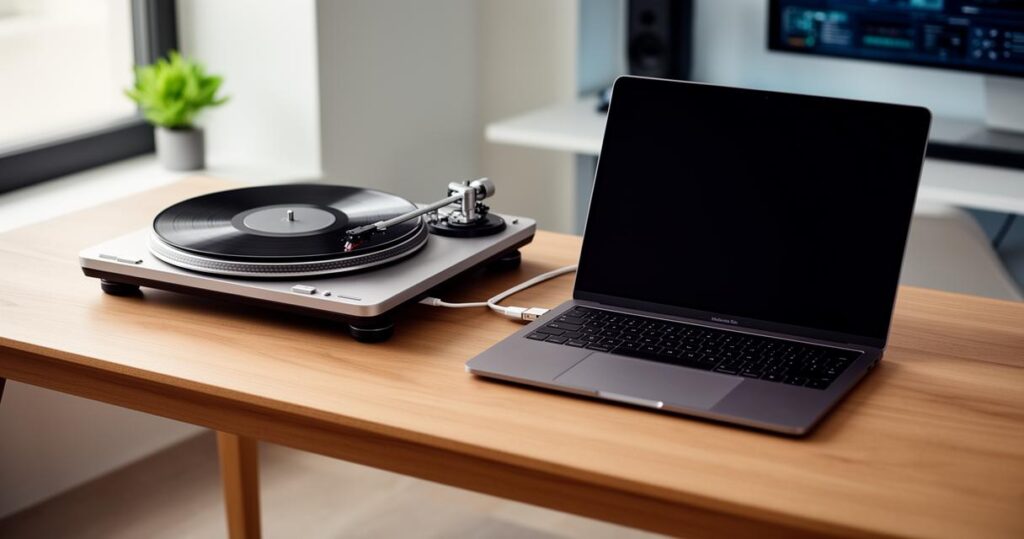
Bringing a beloved vinyl collection into the digital age is a project that appeals to music lovers of every stripe, whether you fancy backing up cherished records or simply want to stream your favourite album through a laptop whilst working from home. Connecting a turntable to a computer sounds technical at first glance, yet with a bit of guidance the process becomes surprisingly straightforward, and the reward is a setup that lets you enjoy vinyl warmth alongside modern digital convenience.
Key takeaways
- Connecting a turntable to a computer requires managing analogue signals, typically through RCA cables or modern USB and Bluetooth interfaces.
- A preamp is essential for boosting the weak signal produced by a turntable before it can be processed by a computer or amplifier.
- Many modern turntables feature built-in preamps for user-friendly, plug-and-play setups, while external preamps offer superior signal quality and finer control.
- Using high-quality, well-shielded RCA cables and keeping them away from power sources helps minimize interference and background noise.
- Digitising vinyl requires recording software that can capture audio, track splitting, and offer noise reduction to preserve sound quality.
- Careful monitoring of recording levels and secure ground connections are necessary to ensure the digital files remain free from distortion and hum.
Essential Equipment and Connection Methods for Your Turntable
Before diving into settings and software, it helps to understand the physical connections that make everything work. The most traditional route relies on RCA cables, a format that has been a staple of audio connections for decades. These cables are instantly recognisable thanks to their red and white plugs, and the name itself traces back to the Radio Corporation of America, the company that originally popularised the connector for both audio and video signals.
Understanding RCA Cables and Their Role in Audio Transmission
Each RCA plug is dedicated to a specific job: the red plug carries the right audio channel whilst the white plug handles the left channel, together forming a stereo pair that keeps your sound properly balanced. The connector's design is simple but effective, featuring a central pin that transmits the actual signal and an outer ring that serves as the ground connection. This makes RCA cables easy to plug in, although it's worth noting they can also disconnect rather easily if accidentally tugged, so a bit of care when arranging your setup goes a long way.
It's worth remembering that RCA is fundamentally an analogue standard, which sets it apart from digital audio signals used in many modern devices. This analogue nature is actually part of the charm for vinyl enthusiasts, as it preserves the warm characteristics associated with record players. You'll find RCA cables connecting a wide range of audio devices beyond turntables, including CD players, amplifiers, gaming consoles, home theatre systems, and subwoofers, making them a genuinely versatile piece of kit worth having in any audio setup.
Exploring usb and bluetooth connection options
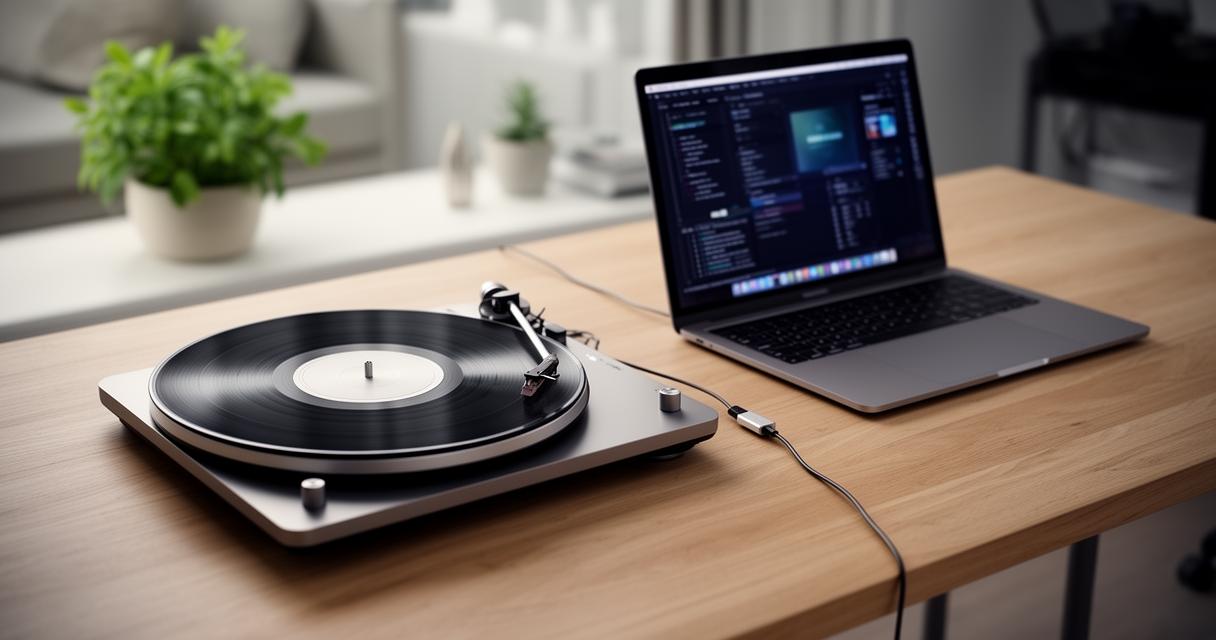
Whilst RCA remains a dependable classic, many turntables released in recent years offer USB connectivity, allowing a direct link to your computer without needing a separate audio interface. This method simplifies the digitising process considerably, as the turntable essentially becomes a plug-and-play device that your computer recognises straight away. Bluetooth is another option gaining popularity, particularly for casual listening, though purists often argue that wireless transmission introduces compression that can dull some of the subtleties vinyl is known for.
The Importance of Preamps in Turntable-to-Computer Setup
Regardless of which cable or connection method you choose, one component that cannot be overlooked is the preamp. Turntables produce a notoriously weak signal that needs boosting and shaping before it reaches speakers, an amplifier, or a computer's sound card, and this is precisely where a preamp earns its keep.
Built-in preamps: convenience and functionality
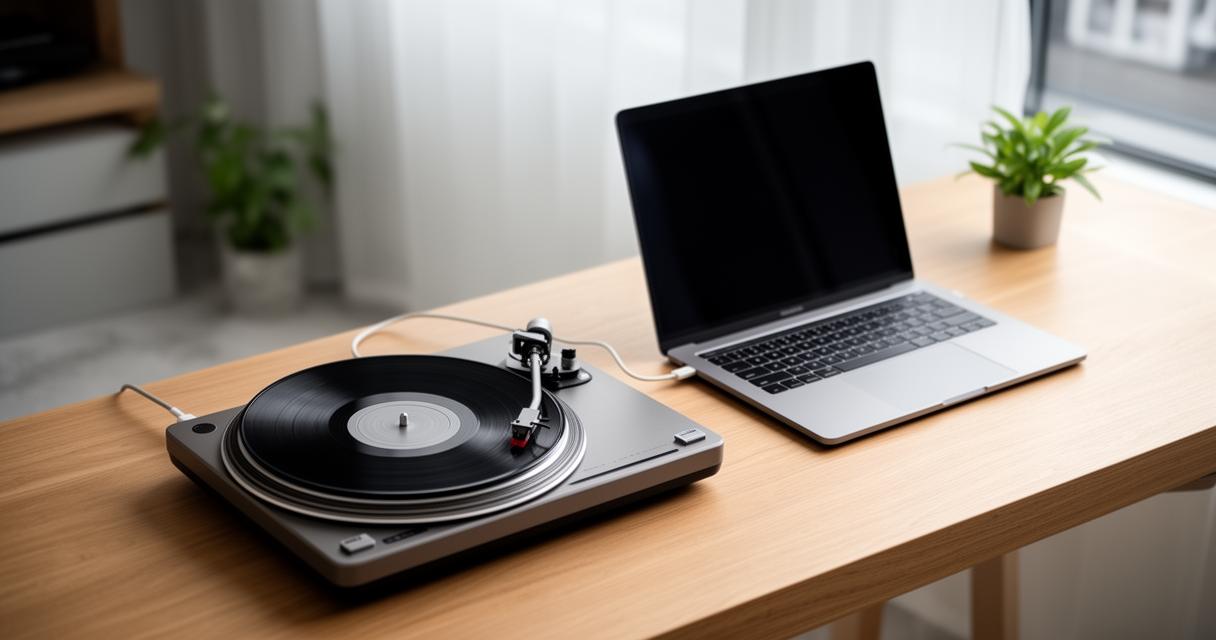
Many modern turntables come fitted with a built-in preamp, offering a convenient all-in-one solution for those who want minimal fuss. These integrated units handle the necessary signal boosting internally, meaning you can connect straight to a computer or a set of speakers without purchasing additional gear. This convenience makes built-in preamps particularly appealing to beginners or anyone assembling a straightforward listening station.
External preamps: enhancing your audio signal quality
For those chasing a richer, more refined sound, an external preamp often proves the better investment. These standalone units generally offer superior signal quality compared to their built-in counterparts, and they allow for finer control over the audio output. Pairing an external preamp with high-quality RCA cables that feature good shielding is essential, as proper shielding helps prevent interference and keeps unwanted noise out of your recordings. A simple but effective tip is to keep your cables organised and positioned away from power sources, since this small adjustment can meaningfully reduce hum and other unwanted noise creeping into your audio.
Digitising your vinyl collection: software and best practices
Once your hardware connections are sorted, attention turns to the software side of things, where the actual recording and digitising takes place.
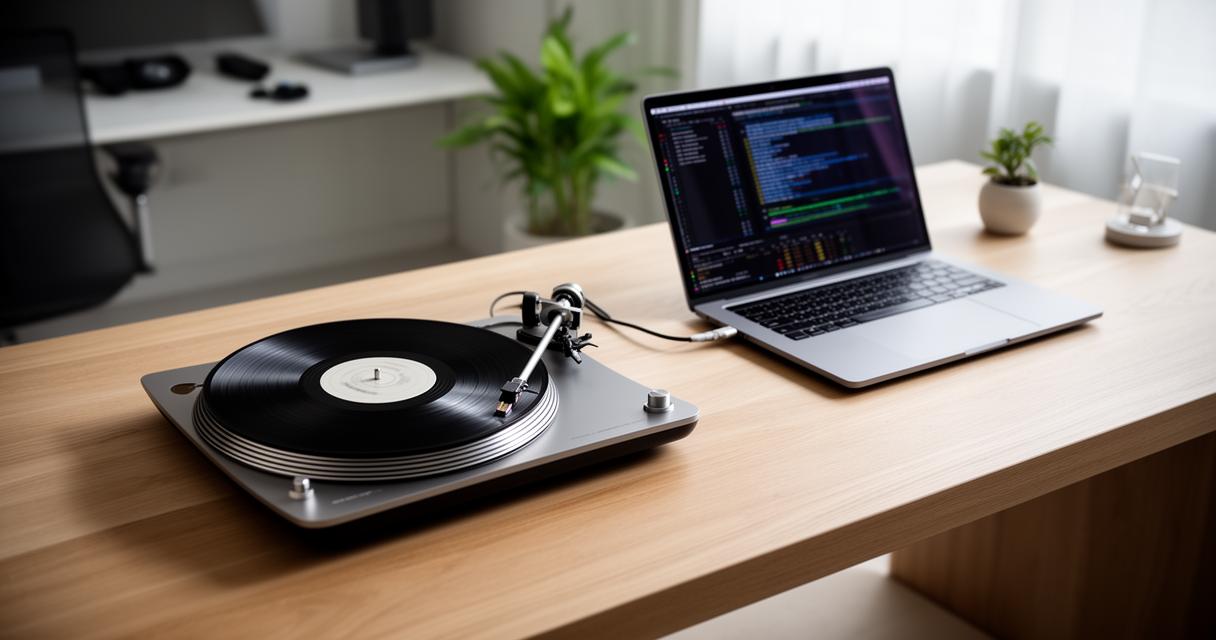
Recommended software options for recording vinyl records
Numerous programmes exist for capturing vinyl recordings directly onto a computer, ranging from free, open-source options to more polished paid software packages. Most of these programmes allow you to record directly from your turntable, split tracks automatically, and even apply basic noise reduction to smooth over crackles and pops inherent to ageing records. Look for software that supports high-resolution formats if you're aiming to preserve as much detail as possible from the original pressing.
Maintaining audio quality whilst enjoying your digital vinyl
Throughout the digitising process, keeping audio quality intact should remain a top priority. This means paying attention to cable quality, ensuring your ground connection is secure to avoid unwanted hum, and monitoring recording levels so the signal doesn't distort. With everything properly connected and configured, you'll be able to enjoy your vinyl collection both in its original physical form and as digital files, giving you the flexibility to listen anywhere whilst still appreciating the unmistakable character that only real vinyl can deliver.