Choosing the right gaming monitor can transform your entire experience on PlayStation and Xbox, turning ordinary sessions into something genuinely immersive. With so many panels, refresh rates, and buzzwords flying about, it's easy to feel overwhelmed when browsing options on Amazon or in-store. This guide cuts through the noise, drawing on hands-on testing of 402 monitors to help you find a display that truly complements your console gaming setup, whether you're chasing silky smooth motion or the deepest blacks possible.
In short
- Choosing the right 4K monitor is essential for optimizing the immersive capabilities of PlayStation and Xbox consoles.
- OLED panels provide superior contrast and black levels, while IPS panels offer consistent color accuracy and better value for those using their monitor for both gaming and work.
- Effective HDR performance relies on hardware-based local dimming zones rather than just marketing labels to ensure realistic visuals.
- FreeSync and variable refresh rate (VRR) technologies are critical for eliminating screen tearing and maintaining smooth gameplay on current-gen consoles.
- HDMI 2.1 connectivity is a mandatory requirement to fully utilize 4K resolution and high refresh rates on modern gaming hardware.
- Top-tier models like the ASUS ROG Swift OLED series and the Samsung Odyssey range offer premium performance, while options from AOC and Dell provide reliable alternatives for tighter budgets.
Understanding display technologies: oled, ips, and panel performance
The screen technology you choose has a bigger impact on your gaming experience than almost any other spec on the sheet. It shapes everything from colour vibrancy to how quickly the picture responds when things get hectic on screen.
Oled vs ips: which screen type delivers superior gaming visuals?
OLED panels have become something of a gold standard for enthusiasts, offering per-pixel lighting that produces genuinely inky blacks and eye-popping contrast. This makes a real difference in darker games where shadow detail matters. IPS displays, meanwhile, remain a brilliant all-rounder, delivering consistent colour accuracy and wide viewing angles at a more accessible price point. For anyone weighing up 4K gaming against everyday use, an IPS panel might strike the better balance, particularly if the monitor doubles up as an office monitor during the working week. OLED tends to shine brightest for dedicated gamers who prioritise cinematic visuals above all else, though it typically commands a premium.
HDR Performance and Local Dimming for Enhanced Contrast and Colour Accuracy
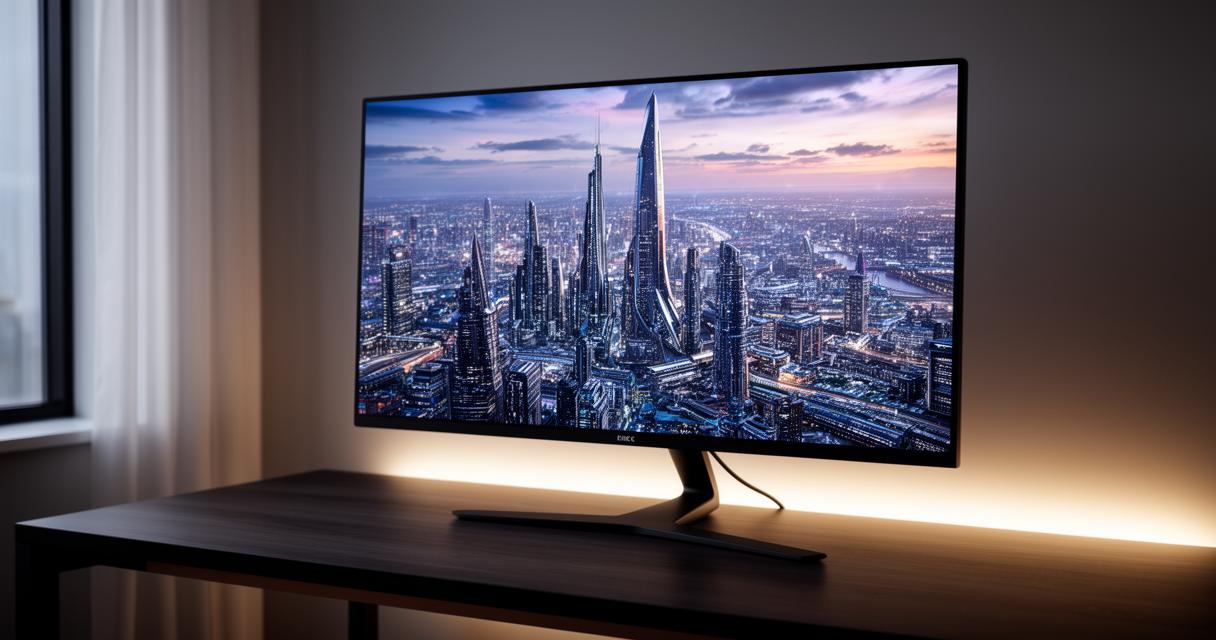
HDR support is another factor worth scrutinising closely, as not all HDR is created equal. Monitors with proper local dimming zones can produce far more convincing highlights and shadows than budget alternatives that simply slap an HDR label on the box without the hardware to back it up. When paired with a capable console like the Xbox Series X, a monitor with strong HDR performance can make explosions, sunsets, and neon-lit cityscapes feel dramatically more lifelike. It's worth checking peak brightness figures and dimming zone counts before committing, since these details often reveal more about real-world performance than marketing copy alone.
Top Gaming Monitor Brands and Models: Asus ROG Swift, Samsung Odyssey, and AOC Options
Several manufacturers have carved out strong reputations in the gaming monitor space, each bringing something distinct to the table depending on your budget and priorities.
Premium Picks from Asus ROG and Swift Series for Console Gaming
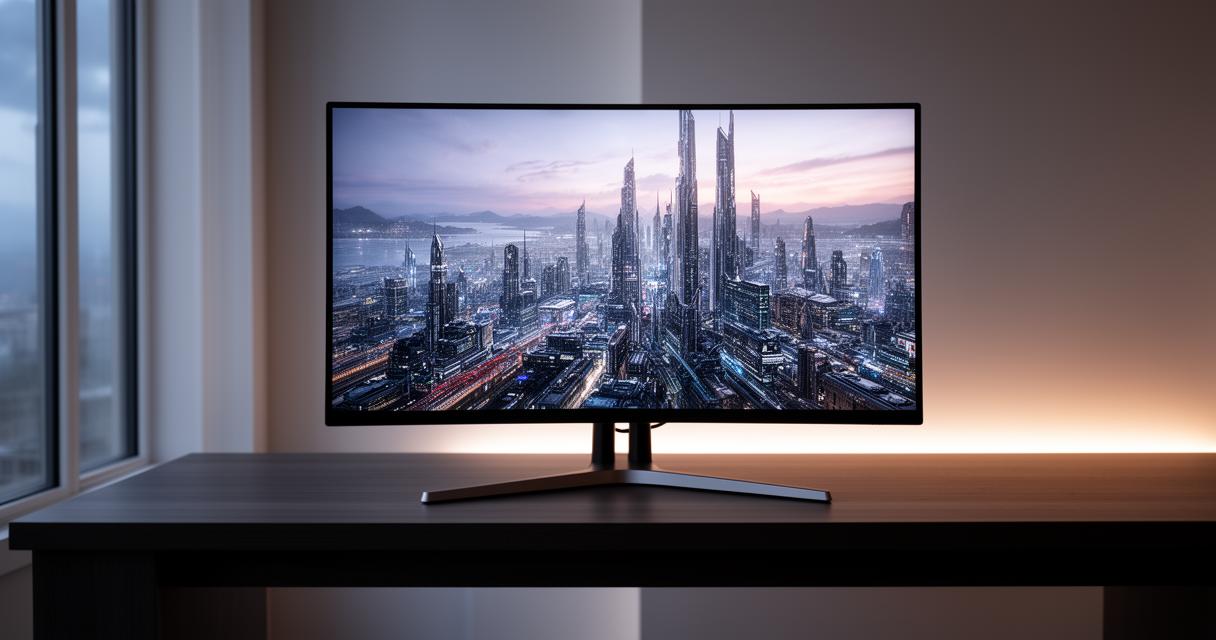
The ASUS ROG Swift OLED PG27UCDM stands out as a favourite among testers, combining a gorgeous OLED panel with the kind of build quality gamers expect from the ROG lineup. It pairs beautifully with both PS5 and PS5 Pro setups, making the most of their graphical horsepower. LG's 39GX950B-B is another strong contender, offering a curved, ultra-wide format that suits players who want maximum immersion during single-player campaigns. These premium options aren't cheap, but the visual payoff is often worth the investment for dedicated gamers.
Samsung Odyssey and AOC Gaming Displays: Features and Pricing on Amazon
Samsung's Odyssey range continues to impress with its blend of striking design and genuinely useful gaming features, often available at competitive prices through Amazon listings. For those working with a tighter budget, the AOC Q27G3XMN proves that you don't need to spend a fortune to get smooth, responsive 1440p gaming. Dell hasn't been left behind either, with the Alienware AW2726DM offering a compelling mix of performance and futuristic styling. Shoppers comparing these models will find that pricing varies considerably depending on panel size and refresh rate, so it pays to match the monitor to your actual gaming habits rather than chasing the flashiest spec sheet.
Technical Specifications and Console Compatibility: Refresh Rates, Response Times, and HDMI 2.1
Beyond the panel type and brand name, the technical specifications underpinning a monitor determine how well it will actually perform once you're deep into a match or exploring an open world.
Variable Refresh Rate and FreeSync Technology for PlayStation 5 and Xbox Series X
FreeSync and variable refresh rate technology work together to eliminate screen tearing and stuttering, syncing the monitor's refresh rate with the console's frame output in real time. This is particularly valuable for fast-paced titles where every millisecond counts. Both PlayStation 5 and Xbox Series X support these features, though it's worth confirming compatibility with your specific monitor model before purchase, as implementation can vary between manufacturers. Gamers who also dabble in PC gaming, or who use a Mac Mini or MacBook Pro alongside their console, will appreciate monitors that handle multiple input sources gracefully without sacrificing performance on any single device.
Screen Size, Response Rate, and Connectivity Options for Optimal Gaming Performance
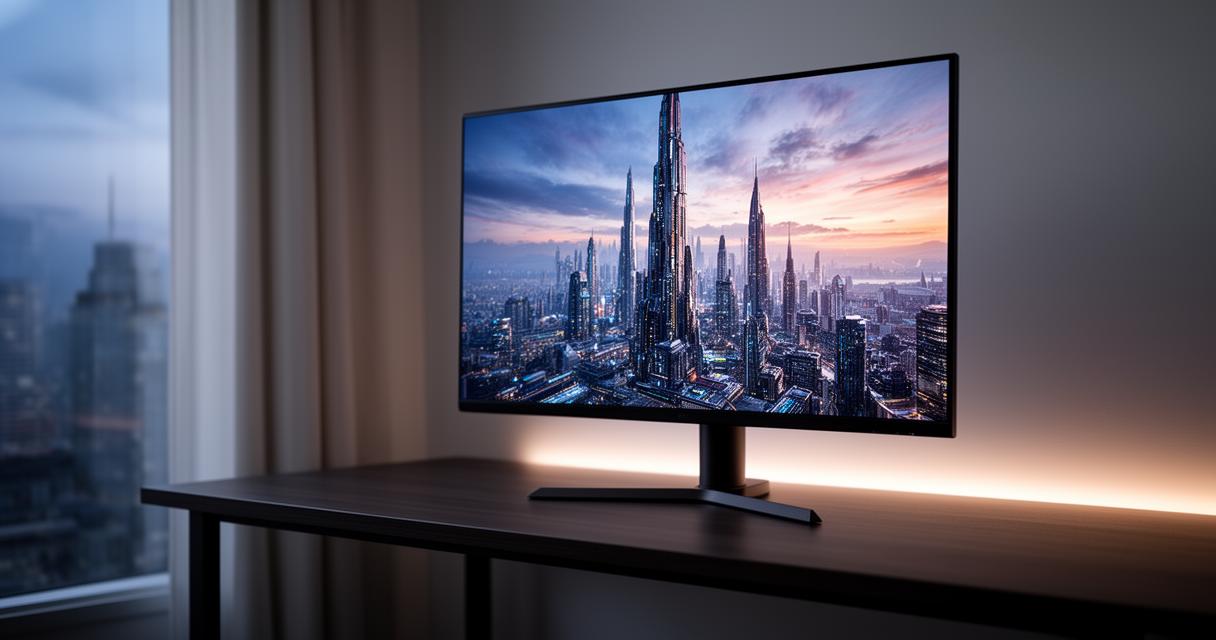
Screen size remains a personal preference, though most console gamers gravitate towards something between twenty-seven and thirty-nine inches depending on desk space and viewing distance. Response rate is equally important, as sluggish pixel transitions can introduce blur during fast motion. Look for monitors boasting quick response times alongside proper HDMI 2.1 connectivity, since this standard unlocks the full 4K, high-refresh-rate potential that modern consoles are capable of producing. Without it, you may find yourself missing out on smoother gameplay even with top-tier hardware.
Ultimately, the best gaming monitor depends on your personal blend of budget, screen size preference, and which console or combination of devices you're running. Whether you lean towards OLED brilliance or dependable IPS value, thorough monitor testing and honest reviews remain your best allies when narrowing down the crowded field of options available today.